
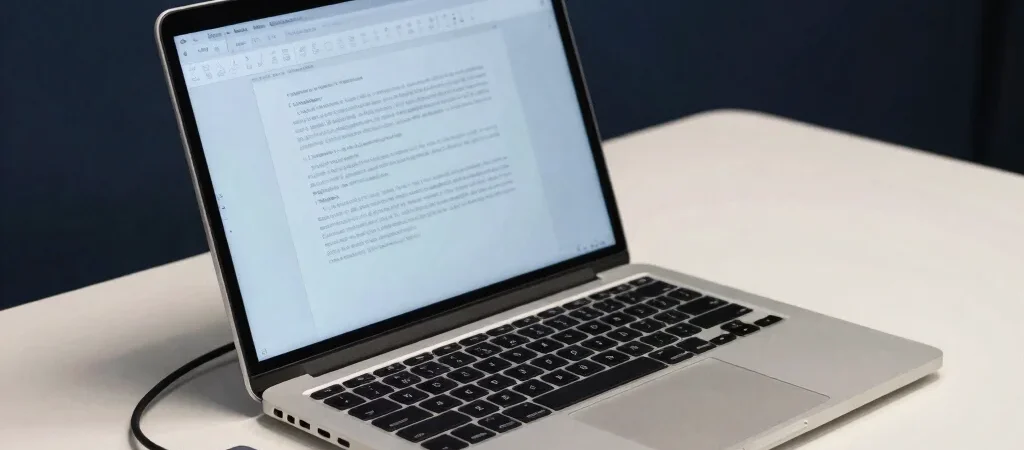
A laptop can post an impressive benchmark result and still be the wrong fit for a desk where you spend hours in video calls, keep a dozen browser tabs open, and plug in an external monitor. The most useful reviews connect specifications to those everyday tasks. We would rather know how a machine behaves over a full work session than see a score without context.
Look beyond the processor
Processor family and model can help narrow a shortlist, but they do not explain everything you will notice. Memory affects how comfortably a laptop handles several open applications, while storage capacity determines how much room you have for files and software. Check whether memory is upgradeable or fixed before purchase, because that can change how long the configuration suits your needs.
A review should describe its workload when discussing speed: opening large spreadsheets is different from editing video or joining a meeting while other apps run. It should also mention fan noise and heat under sustained use, not only performance during a short task. Those are concrete clues about whether the laptop will feel composed on your actual desk.
Treat the screen as a workspace
Screen size and resolution are only a starting point. Brightness, reflections, viewing angles, and the display's finish all affect whether a laptop is comfortable beside a bright window or under overhead office lights. If you edit photos, color behavior matters; if you mostly write and read, text clarity and glare may deserve more attention.
Ports can make a compact laptop either easy or awkward to live with. USB-C does not automatically mean every port supports charging, display output, and the same data speeds, so check the review's port details before planning around a dock or monitor. Battery results are also most useful when the reviewer explains screen brightness, workload, and wireless use.
Choose for your working day
Start with the tasks you repeat, then use reviews to see how the display, memory, ports, and sustained performance fit them. A frequent traveler may care more about weight and charging flexibility; a home-office setup may benefit from a comfortable screen and the right connections. Home Prepper Plan may earn a commission if you use affiliate links in our articles, but the recommendations are intended to reflect the trade-offs described here.

- 【2-Year Warranty & U.S. Quality Standards】 Enjoy peace of mind with a 2-Year Manufacturer Warranty and a 90-Day Hassle-F…
- 【Powerful Intel Core i5-12450H Processor】 Experience smooth, responsive performance with the Intel Core i5-12450H. With …
- 【100W PD Fast Charger for All Your Devices】 Charge your laptop from 0% to 50% in just 15 minutes with the included 100W …

- 【Powerful Intel Core Ultra 7 AI Performance】 Powered by the Intel Core Ultra 7 255U processor (12 Cores, 14 Threads, up …
- 【Expansive 17.3″ Full HD IPS Display】 Enjoy a spacious 17.3-inch Full HD (1920 × 1080) IPS display with 300-nit brightne…
- 【Fast DDR5 Memory & High-Speed SSD Storage】 Equipped with up to 32GB DDR5 RAM and up to 1TB SSD, this laptop provides sm…

- 16GB DDR4 | 512GB SSD
- Equipped With The Most Powerful and Fast 13th Gen Intel 8-core i5-13420H
- 15.6″ FHD (1920×1080) IPS 165Hz, Dedicated NVIDIA GeForce RTX 5050 8GB GDDR7 Graphics